
Description
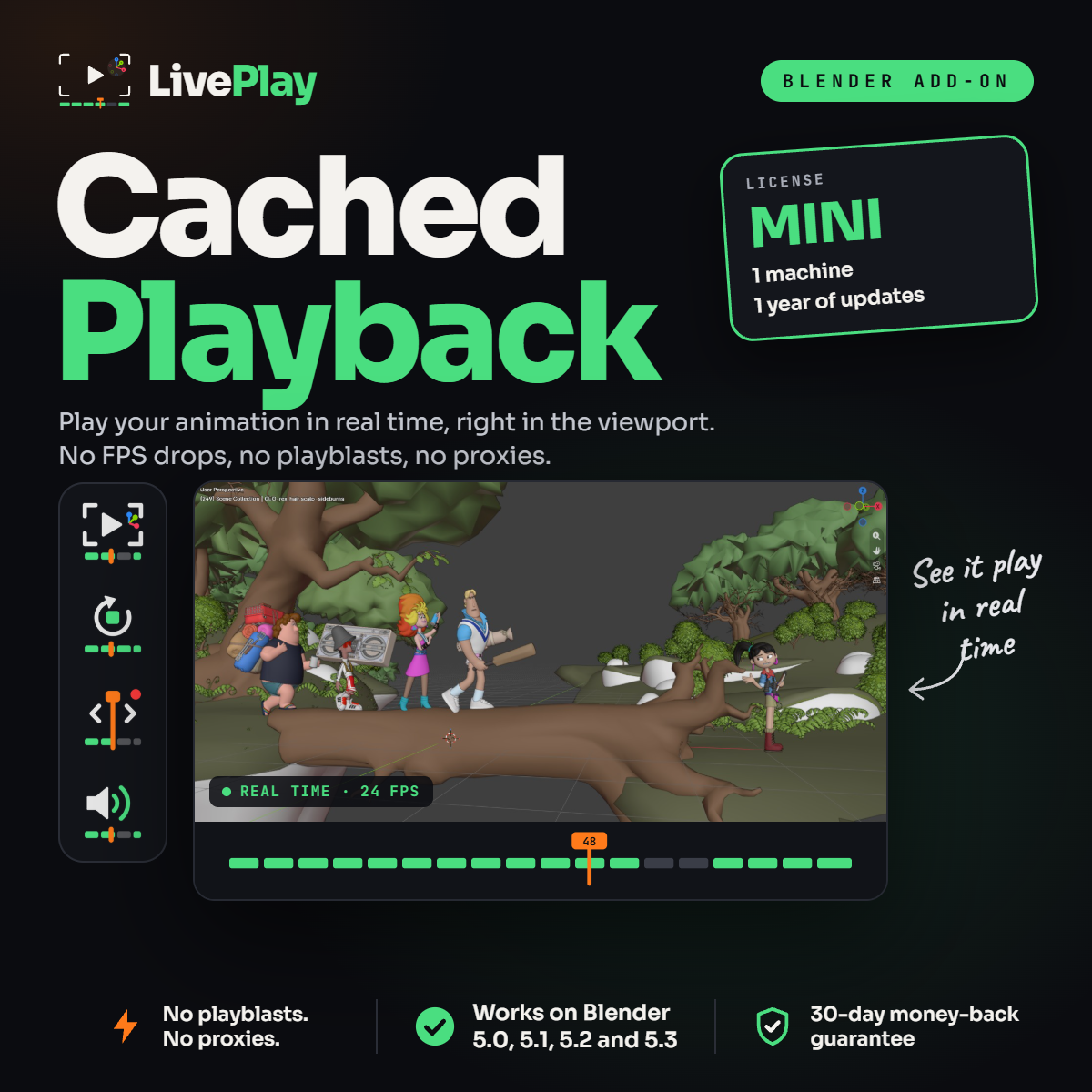
LivePlay Mini adds Blender cached playback to your workstation. It caches your animation and plays it back in real time, right in the 3D View, so you can check timing and spacing at full speed – even in heavy scenes.
Mini is the license for animators who work on one computer: students, hobbyists and solo artists who want smooth playback without changing how they animate.
What Is Blender Cached Playback?
Blender evaluates your rigs, modifiers and scene on every frame. When a shot gets heavy, playback can’t keep up, frames get skipped and your animation looks slower or choppier than it really is. LivePlay stores the result of each frame in a cache, so playback no longer depends on how heavy your scene is. You press play and see your animation at the right speed.
Fix Low Viewport FPS in Blender
The usual workarounds all cost you something. Playblasts make you wait for a flat 2D video. Proxy rigs change your character’s silhouette and drop the textures. Hiding collections means you stop seeing the full scene. LivePlay keeps your real character, shaders and set visible and still plays back in real time.
Animation Playback That Keeps Up With Your Changes
Edit a key in the Graph Editor and LivePlay re-caches only the frames you touched. Drag the playhead and the cache is recorded as you scrub. Close Blender and come back later – your cache is still there. Every change is ready to play in seconds.
Features
- Real-time playback in the 3D View
- Auto Cache – caching happens for you
- Cache as you scrub the timeline
- Audio playback for lip sync and beats
- Saved cache between sessions
- One-click setup – no selecting meshes
What’s Included in LivePlay Mini
- LivePlay Cached Playback addon for Blender
- License for 1 machine
- 1 year of updates
- Compatible with Blender 5.0, 5.1, 5.2 and 5.3
- Instant download
- 30-day money-back guarantee
Installation
In Blender, go to Edit › Preferences › Add-ons, open the menu at the top right and choose Install from Disk. Select the LivePlay .zip file and the LivePlay tab appears in the N panel of the 3D View.
Frequently Asked Questions
What happens after my year of updates?
LivePlay keeps working. You keep the last version you received and just stop getting new ones.
Can I upgrade later?
Need a second computer or lifetime updates? Check LivePlay Pro and LivePlay Lifetime.
Is this a subscription?
No. It’s a one-time payment.
What if it doesn’t work for me?
You’re covered by the 30-day money-back guarantee.
Reviews
There are no reviews yet.